
The Ground Contact Sensor (GCS) determines if the user is loading the leg (e.g. during stance phase of walking) or if the leg is unloaded (e.g. during the swing phase of walking). Using the GCS, the U-Build Bionic Knee knows when to move and when to stay static to support the user. No matter the terrain, as long as the user applies a strong enough load on the GCS, the knee remain extended to support the user.
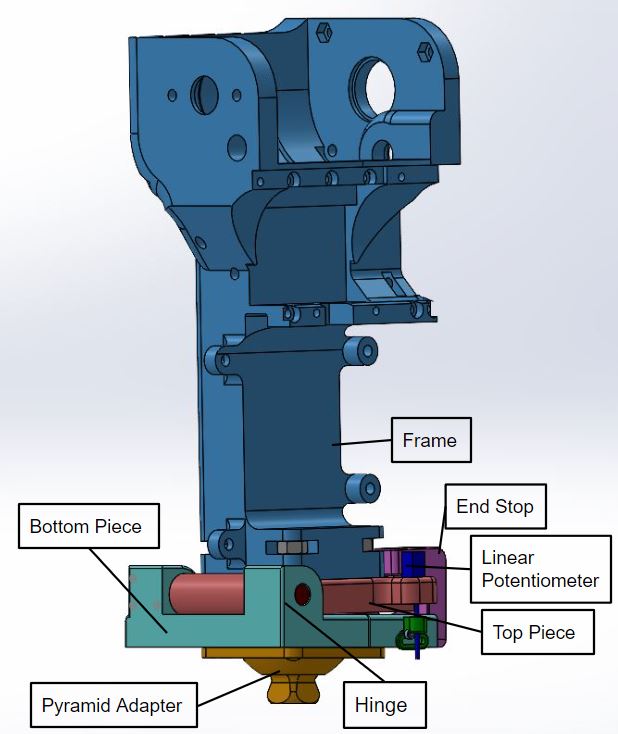
The GCS is built using a beam supported on each end by the shank frame. The ankle/foot is connected to the middle of the beam. Two magnets are embedded into the beam. When the foot is placed on the ground, load applied by the user generates a force causing the beam to deflect and the position of the two magnets changes. The motion of the magnets is measured by two magnetometer sensors.
When the foot is unloaded, the beam returns to it's unloaded configuration. Again, the change in deflection is measured by the magnetometers. Follow the instructions below to construct the Ground Contact Sensor.
Step 0: Print beam and spacers
Please review the design and print files. If you haven't already, print the beam and spacers. These should be printed "horizontal" so that the layers span the major length of the beam. Print with 4 wall shells and a minimum fill density of 50%. The thickness of the beam can be adjusted for different body weights. However, we found that for individuals 130 to 200 lbs, a beam thickness of 10 mm works well.
Step 1: Install Beam Element
Attach the pyramid adapter to the beam element and attach the assembly to the shank frame. To complete this step, you will need 6 m4 x60 button head cap screws, 4 m4 by 25 flat head screws, 4 m4 nuts, a pyramid adapter, and 2 axially polarized magnets.